AI video field guide
Direct the shot before you generate it.
Higgsfield is useful when a video needs a specific camera decision, not just a lucky prompt. Build one clear beat, set the visual controls that matter, and review the result before you scale it.
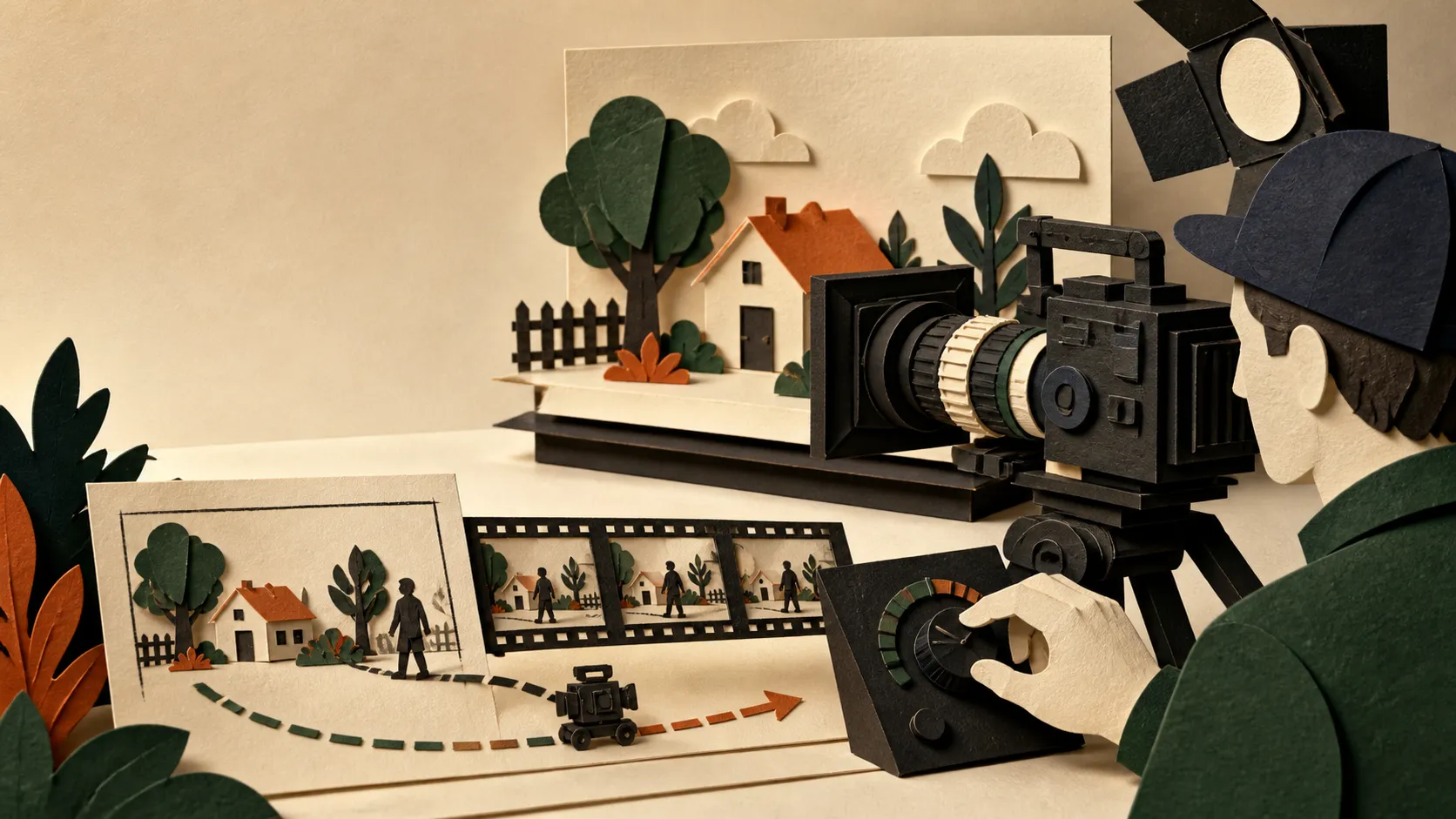
The useful constraint
A controllable clip starts with a shot, not a movie.
Higgsfield brings multiple video models and camera controls into one creative workspace. Its Cinema Studio tools can expose camera, lens, lighting, reference-frame, and motion choices, but the controls available depend on the model you select. Treat each generation as a single shot with one job. That makes the output easier to direct and cheaper to review.
Before you open the generator
Write a shot card that gives the tool a real decision to make.
One beat
Name the visible action, who or what carries it, and the final frame. A complete scene is too much to solve in one generation.
One camera intention
Choose the move that changes the feeling of the beat: a slow push for attention, a lateral move for discovery, or a locked frame for stillness.
One review test
Decide what must survive the generation: the subject, the composition, the motion, or the continuity. Reject the take that misses it.
A practical Higgsfield workflow
Make the first generation answer a narrow question.
- 01
Block the scene in one sentence
Describe the subject, action, place, and final composition. Keep the action observable: “the bottle rotates toward camera” is testable; “make it feel premium” is not.
- 02
Choose the model for the control you need
Higgsfield’s video controls change by model. Check the current model row for the duration, resolution, frames, sound, and creative controls you actually need before you write around a setting that is unavailable.
- 03
Set the camera as a direction, not decoration
Pick one primary move and a framing decision. Higgsfield offers a large camera-control library, including pushes, crane moves, pans, orbit-like moves, and static framing. Start with one move that supports the action.
- 04
Anchor the look with a reference frame
When the selected model supports start or end frames, use them to constrain the opening image or transition. Treat an image reference as a visual contract, then check whether the result actually kept the composition and subject.
- 05
Review the short take before you spend more
Check the subject, camera path, motion continuity, and ending frame. Only then extend duration, increase resolution, or make the next shot. A longer imperfect clip is not a stronger edit.
A shot prompt with a review rule
Make the creative decision visible.
Subject: a citrus soda bottle on a rain-wet Hong Kong street at blue hour.
Action: the bottle turns a quarter turn toward camera; water slides down the label.
Camera: one slow dolly-in from waist height, ending on the label.
Look: 50mm product-cinema framing, controlled reflections, cool street light.
Reference: preserve the bottle silhouette and label placement from the start frame.
Review: reject any take where the label warps, the bottle changes shape, or the move does not end on the label.
Use it with the rest of your workflow
Generate the shot. Finish the edit elsewhere.
Higgsfield is strong at exploring and directing short visual moments. Keep a simple shot list, name your accepted takes, and move the chosen clips into your editor for timing, sound, captions, and the final cut. The generation is source material, not the finished film.