Grok Bot · Tutorial 06
Teach Grok Bot a Repeatable Task
Show one Bot a browser workflow, turn the demonstration into a reusable skill, and test it before you put it on a schedule.
0 of 14 complete
Last tested and updated: August 12, 2026
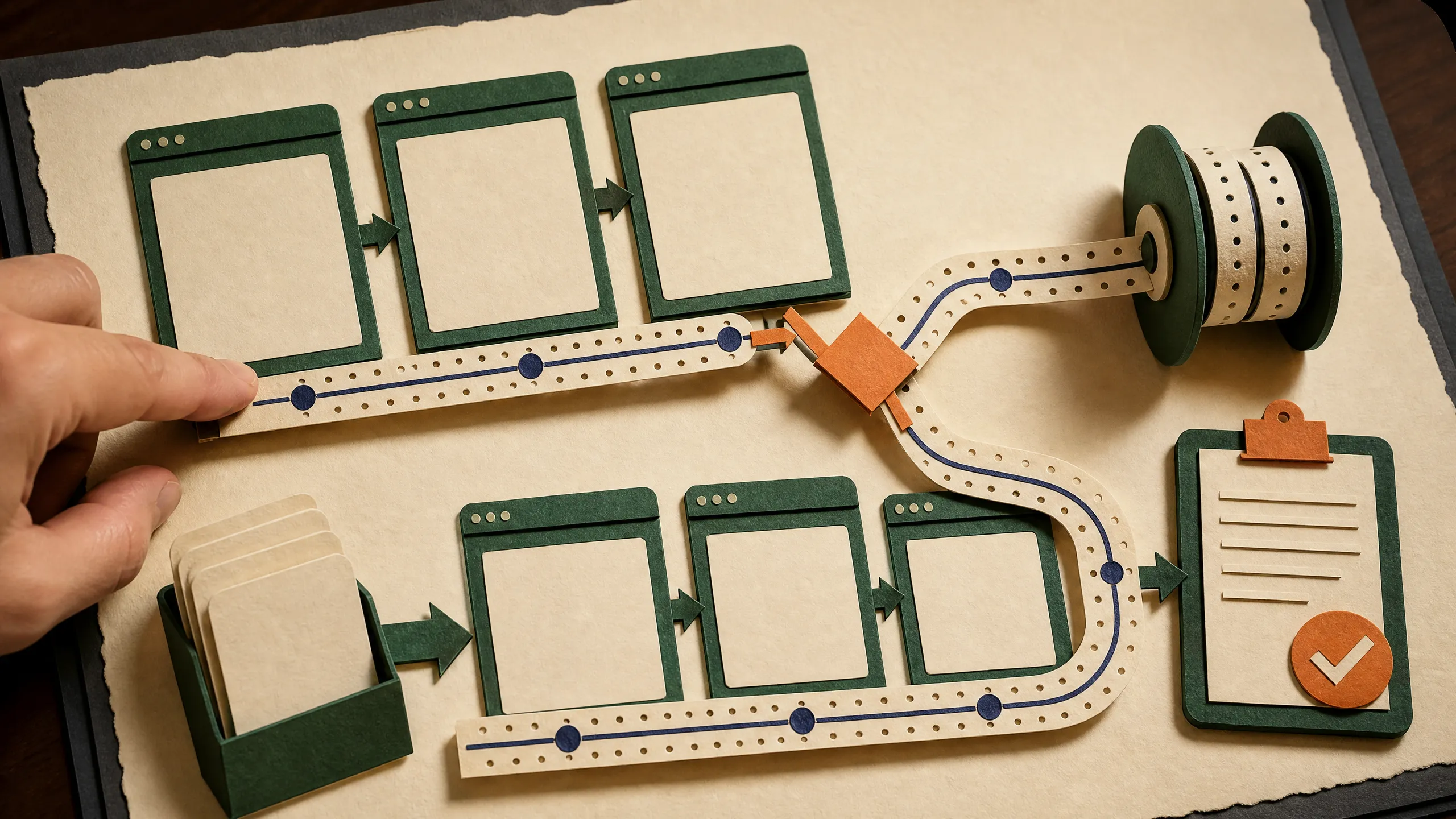
If you can do a job in a browser but struggle to explain every click, Teach a task is the easiest place to start. You perform the workflow once while Grok Bot follows along. The Bot then turns what it saw into a reusable skill that you can inspect, correct, and run again.
Do not treat the first recording as finished automation. One demonstration shows the happy path. It does not automatically explain what to do when a page changes, a source is missing, or an action needs your approval.

Official documentation captured from SpaceXAI’s Skills and routines guide on August 12, 2026. This is a public documentation page, not an authenticated product screen.
Skill or routine?
The names are easy to mix up:
- A skill explains how to do a task. It contains the steps, decision rules, expected output, checks, and approval boundaries.
- A routine tells one Bot when to run a workflow, either on a schedule or after a supported event.
Teach a task helps the Bot learn the procedure. Review that procedure as a skill first. Once it works reliably, you can use it inside a routine.
SpaceXAI’s overview also describes the demonstrated path as something Grok Bot persists as a routine. The practical distinction is still useful: first make the method reliable, then allow unattended runs.
Pick the right first task
Choose a workflow with a visible result and low stakes. A good first exercise is collecting information from three public webpages and saving a short brief.
Good starter tasks have these traits:
- You already know how to finish the task yourself.
- The workflow takes less than ten minutes to demonstrate.
- The inputs can change while the output format stays stable.
- A mistake will not send a message, spend money, publish content, or delete data.
- You can tell whether the result is correct.
Avoid payroll, purchases, production changes, customer messages, account deletion, and anything that exposes confidential material. Teaching records visible computer interaction for up to ten minutes. It does not record microphone audio, but anything visible on screen may become part of the demonstrated process.
Prepare before you press record
Write a one-sentence definition of done. For example:
Open the three supplied public sources, capture the title, publication date, and main claim from each, then save a markdown brief with the source links. Do not sign in, submit forms, or use information from other pages.
Then prepare:
- Open only the tabs you need.
- Use public or disposable test data.
- Close password managers, private inboxes, and unrelated documents.
- Decide where the finished file should go.
- Decide which actions always need approval.
- Prepare one normal example and one awkward example, such as a page with no publication date.
Record the workflow
- Open a one-to-one conversation with the Bot that should learn the task.
- Open its computer view.
- Choose Teach a task.
- Describe the result you are about to produce.
- Complete the workflow at a normal pace.
- Stop the recording.
- Read the skill Grok Bot created before running it again.
Do the job the way you want it repeated. If you correct a typo, take a detour, or open an unrelated tab, the Bot may interpret that as part of the process.
Teach by demonstration is rolling out gradually. If you do not see the control, complete the task once with the Bot and ask it to save the successful process as a skill. You can also describe the workflow in writing.
Turn the recording into reliable instructions
Ask the Bot to show you the learned skill. Check six things:
| Check | Question to ask |
|---|---|
| Trigger | When should this skill be used? |
| Inputs | What links, files, or access must exist first? |
| Steps | Which sequence should the Bot follow? |
| Decisions | What happens when a field or page is missing? |
| Validation | How does the Bot prove the result is complete? |
| Approval | Where must the Bot stop and ask you? |
Use this review prompt:
Show me the skill you learned from that demonstration. Add required inputs, a missing-data rule, a validation checklist, and a rule that you must ask before sending, publishing, purchasing, deleting, or changing an account. Do not add steps you did not observe without labeling them as suggestions.
Run a safe test
Do not schedule the skill yet. Run it against a second set of public webpages.
Watch for:
- Did it use the new inputs rather than the original pages?
- Did it preserve source links?
- Did it follow the same output structure?
- Did it stop when information was missing?
- Did it avoid unrelated browser tabs and signed-in services?
- Could you understand its action log afterward?
Then test an expected failure. Give it a broken link or a source with no date. A useful skill reports the problem. It should not guess, reuse an old result, or quietly skip the source.
Practical exercise: public-source brief
Your task
Teach a Bot to turn three public articles into a five-part research note:
- Source title
- Publisher
- Publication date, or “not shown”
- Main claim in one sentence
- Direct link
The Bot must save the note under /workspace/practice/source-brief.md. It must not log in, comment, subscribe, or open links outside the three supplied sources.
Test plan
- First run: demonstrate the task with three ordinary pages.
- Second run: supply three different pages.
- Third run: include one page with no visible date.
- Fourth run: include one unavailable page.
- Fifth run: repeat the second run and compare the structure.
Success criteria
- All five runs use the correct input set.
- Every claim has a working source link.
- Missing data is labeled instead of invented.
- No external action occurs.
- All five briefs use the same structure.
- The Bot tells you when a source cannot be read.
Common problems
| Problem | Likely cause | Fix |
|---|---|---|
| The Bot repeats the original example | The skill captured values instead of input rules | Replace fixed URLs and names with required-input fields |
| The output changes every run | The expected format is vague | Add an exact heading order and validation checklist |
| The Bot guesses missing information | No missing-data rule exists | Require “not shown” or an explicit failure report |
| A login appears during the recording | The workflow touched a protected service | Stop, remove the sensitive step, and use the secure handoff flow later |
| Teach a task is missing | The beta feature has not reached the account | Create the skill from a completed task or written instructions |
What the source video adds
Alex Finn’s video shows the creator’s experience with Teach a task at 02:09. At 04:18, he describes Grok Bot asking follow-up questions and offering a dry run.
Use those moments as a visual orientation, not product documentation. The video is a creator observation, and its auto-captions contain unreliable product and model names. SpaceXAI’s current documentation is the source of truth for the steps, recording limit, rollout caveat, and safety guidance above.