Grok Bot · Tutorial 01
What Is Grok Bot?
Understand what Grok Bot is, what its named Bots can do, and the shared-computer detail every new user should know.
0 of 14 complete
Last tested and updated: August 2026
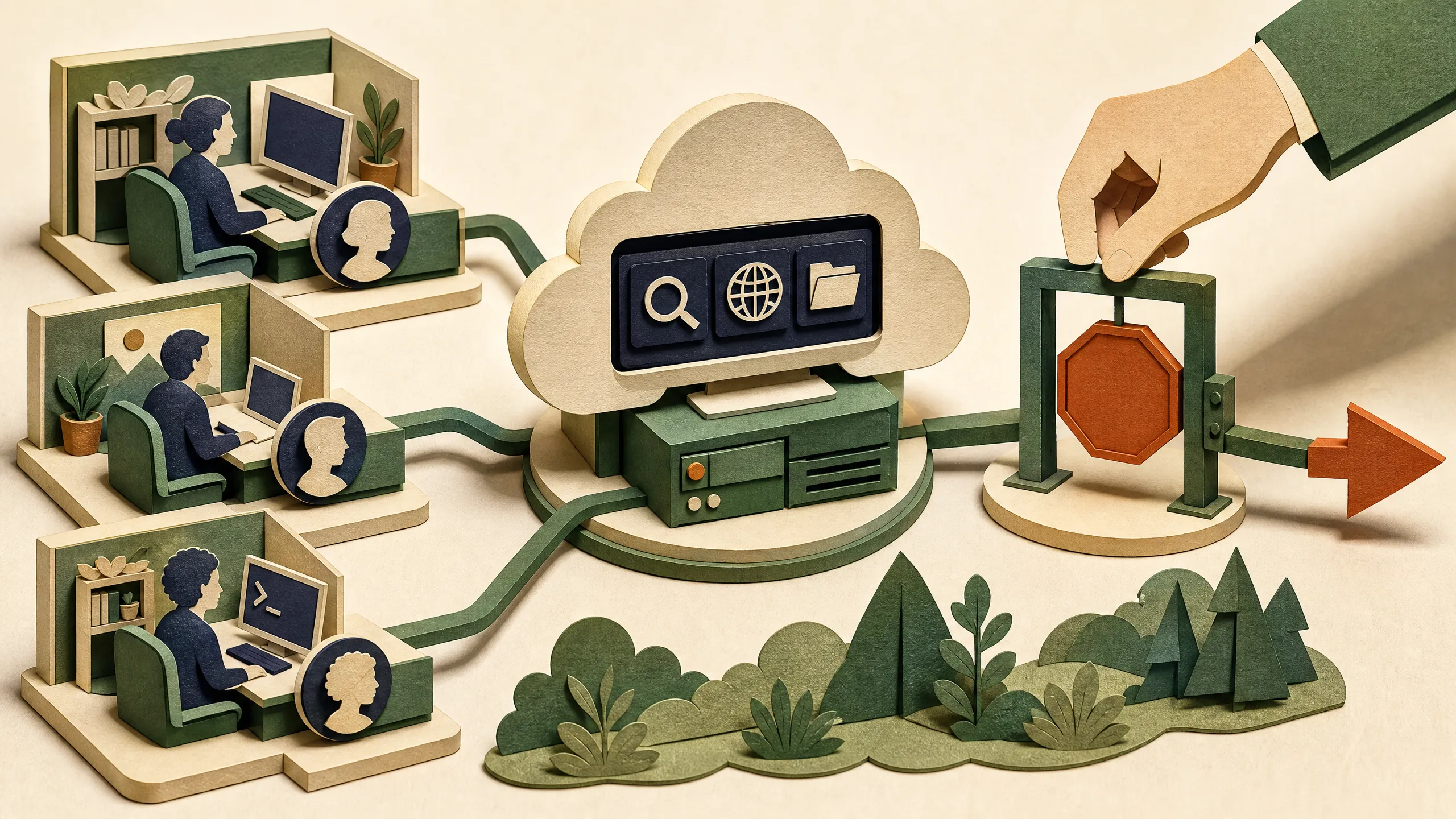
Grok Bot is a desktop and iPhone app for handing real work to persistent, named AI agents. xAI calls each agent a Bot and describes it as an AI teammate. A Bot has a job, a conversation, working memory, and access to a cloud computer that can use websites and apps.
This is not the ordinary Grok chat screen. Regular Grok is mainly a conversation and creation assistant. Grok Bot is built around ongoing workers that can carry a task into the tools where the work belongs.
The simplest mental model
Think of Grok Bot as a small office on a remote computer:
- You create named Bots for durable jobs, such as Researcher or Expense Manager.
- You give a Bot an outcome, the sources it should use, and a point where it must stop for review.
- The Bot can work in a browser, terminal, files, and connected apps.
- You watch its progress in the conversation and take over when a password, two-factor code, CAPTCHA, or judgment call needs you.
- Several Bots can collaborate or work in parallel.
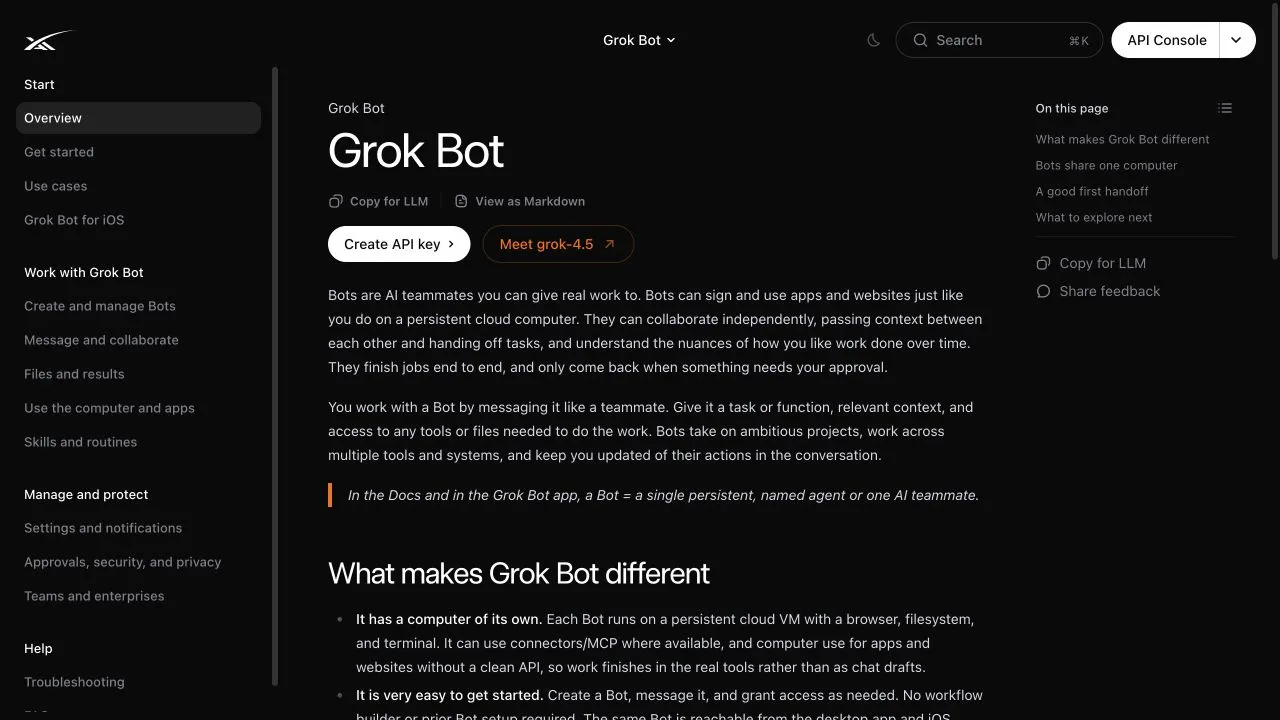
The official Grok Bot overview gives the current product definition and links to setup, computer-use, routines, and security documentation.
One important correction: your Bots share a computer
The launch page sometimes uses the friendly phrase that a Bot has “a computer of its own.” The more precise official documentation says all Bots on one user account share one persistent cloud computer. Files, browser sessions, command-line credentials, and app logins are shared across your roster. Each Bot gets its own screen so work can happen in parallel, but those screens are not separate security boundaries.
That distinction matters. Do not sign one Bot into a sensitive service and assume another Bot cannot reach it. If a login or file should not be available to every Bot on your account, do not place it on the shared computer.
What Grok Bot can do
According to the official launch post and documentation, a Bot can:
- Use the browser and apps on its persistent cloud computer, even while your laptop is closed.
- Keep a named role and working context across conversations.
- Message other Bots, share context, and hand off ownership.
- Learn a multi-step workflow by following your demonstration, then save it as a routine.
- Run routines on demand or on a schedule.
- Stop for approval before an action you have placed behind a boundary.
The public examples include preparing sales drafts, updating a CRM, checking a product environment, reproducing a bug, and processing operational work. These are xAI’s product examples, not independent proof that every workflow will complete reliably in your accounts.
What it should not do unsupervised
Start with work that is easy to inspect and reverse. Keep these actions behind an explicit approval step:
- Sending email or messages
- Publishing content
- Buying anything or moving money
- Deleting or overwriting data
- Changing access permissions
- Changing a production system
- Accepting legal terms
The safest first job is read-only and produces a draft. For example, ask a Bot to compare five public pages and return a linked brief. Do not begin with “run my whole company.”
What the source video noticed
In Alex Finn’s August 11 video, he presents Grok Bot as a team of named AI coworkers at 00:30, shows watching and taking over computer work at 01:25, and recaps the multi-agent idea at 09:07.
Those clips are useful first impressions, but they are creator observations. The official docs are authoritative on the shared-computer architecture. The video’s description of each agent having its own computer is too loose: each Bot has its own screen on one user-scoped computer.
The captions also mishear xAI and Grok Bot in several places. No model version should be inferred from the automatic captions.
Is Grok Bot for you?
Grok Bot may fit if you want a managed agent that can keep working in cloud apps without maintaining a server. It makes the most sense when you have a repeatable, multi-tool task with a clear finished result.
It may not fit if you need Linux desktop support, strict per-agent isolation, full control of the runtime, or an open-source system you can modify. The product was still labeled early beta when this lesson was tested.
Exercise: design one safe handoff
Write one task using this five-line pattern:
Outcome: Compare this week's signup numbers with the previous four weeks.
Sources: The analytics dashboard and the linked experiment notes.
Constraints: Read only. Do not edit dashboards or message anyone.
Deliverable: A short table, links to the relevant charts, and two hypotheses.
Review point: Stop and ask me before opening any source outside those listed.
Check your version before using it:
- Can you tell when the work is finished?
- Does the Bot know which sources are allowed?
- Is there a clear forbidden action?
- Will the result preserve links or other evidence?
- Is the first run reversible?
If all five answers are yes, you have a much better first task than a vague request to “help with analytics.”
Sources and evidence boundary
- Official Grok Bot overview, updated August 11, 2026
- Official Grok Bot launch post, August 11, 2026
- Official approvals, security, and privacy guide
- Alex Finn video, used only for creator observations
This lesson does not claim that a Bot can do anything a human can do, that every workflow runs without failure, or that early-access marketing examples have been independently reproduced.
What’s next
Check access and install the app in L02: Grok Bot Pricing, Availability, and Setup.